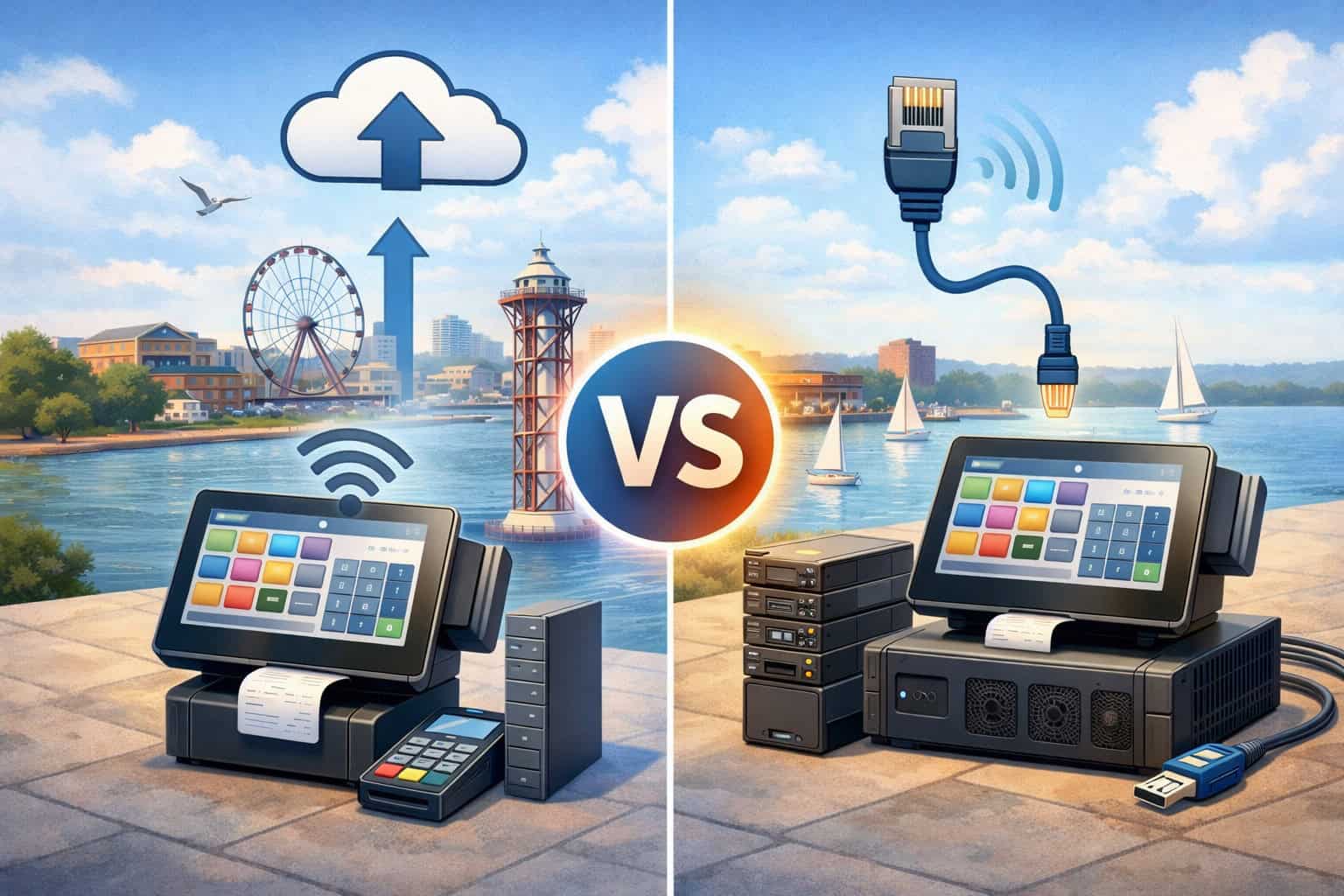
Picking the right point-of-sale system can feel like a “technology decision,” but in Erie it’s also a weather decision, a staffing decision, a customer-experience decision, and a cash-flow decision.
The core question—cloud POS vs on-premise POS in Erie—comes down to where your software runs, how your data is stored, how you stay operational during internet interruptions, and how easily your POS can grow with your business.
A cloud POS typically runs on internet-connected devices and stores data on the provider’s servers. An on-premise POS usually runs on a local server or back-office computer inside your location, with data stored locally.
Both can process sales, track inventory, manage employees, and generate reports—but they do it differently, with different risks and advantages.
This guide breaks down the practical trade-offs Erie merchants face—restaurants near the bayfront, neighborhood retail, salons, repair shops, seasonal vendors, and multi-location operators—so you can confidently choose the right setup today and avoid expensive “POS regret” next year.
Throughout, we’ll keep returning to the decision framework behind cloud POS vs on-premise POS in Erie, so you can match technology to real operations (not marketing hype).
Erie-specific realities that shape your POS decision
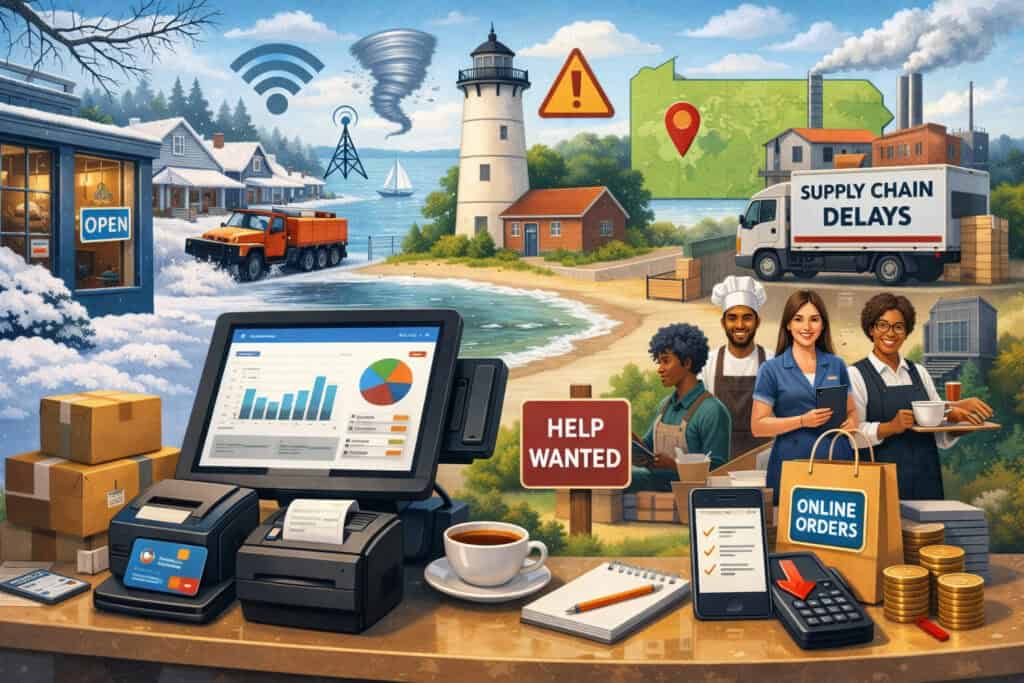
When you evaluate cloud POS vs on-premise POS in Erie, start with the environment your POS must survive. Erie businesses often deal with seasonal traffic swings, sudden weather changes, and staffing that fluctuates with school schedules and tourism.
A POS isn’t just a checkout tool—it becomes your operational hub. That means your “best” POS isn’t the one with the most features; it’s the one that keeps working when your shift is slammed, your internet is shaky, or a key manager is out.
Internet reliability matters more than many owners expect. Even a high-quality provider can’t prevent a local outage or congestion. That’s why Erie merchants should treat “offline capability” as a requirement, not a bonus.
In cloud POS vs on-premise POS in Erie, the strongest cloud systems reduce risk with offline modes (queueing transactions, storing orders locally, syncing later). On-premise systems reduce risk by running locally, but may still depend on the internet for card authorization, updates, and remote access.
Local compliance also matters. Your POS touches payment security (PCI), customer privacy, and sometimes alcohol service recordkeeping.
Pennsylvania’s Breach of Personal Information Notification Act (BPINA) sets expectations around breach notification and security standards for entities handling personal information, and amendments approved in 2024 took effect in late 2024. Your POS choice influences how you secure that data and how quickly you can respond if something goes wrong.
Finally, taxes and reporting are non-negotiable. Erie’s combined sales tax rate is commonly listed at 6% (with no city/county add-on in Erie), and your POS must apply correct tax rules and produce audit-friendly reports. That’s a big part of the cloud POS vs on-premise POS in Erie evaluation—because errors don’t just cost money; they cost time, stress, and credibility.
What “cloud POS” really means (and what it doesn’t)
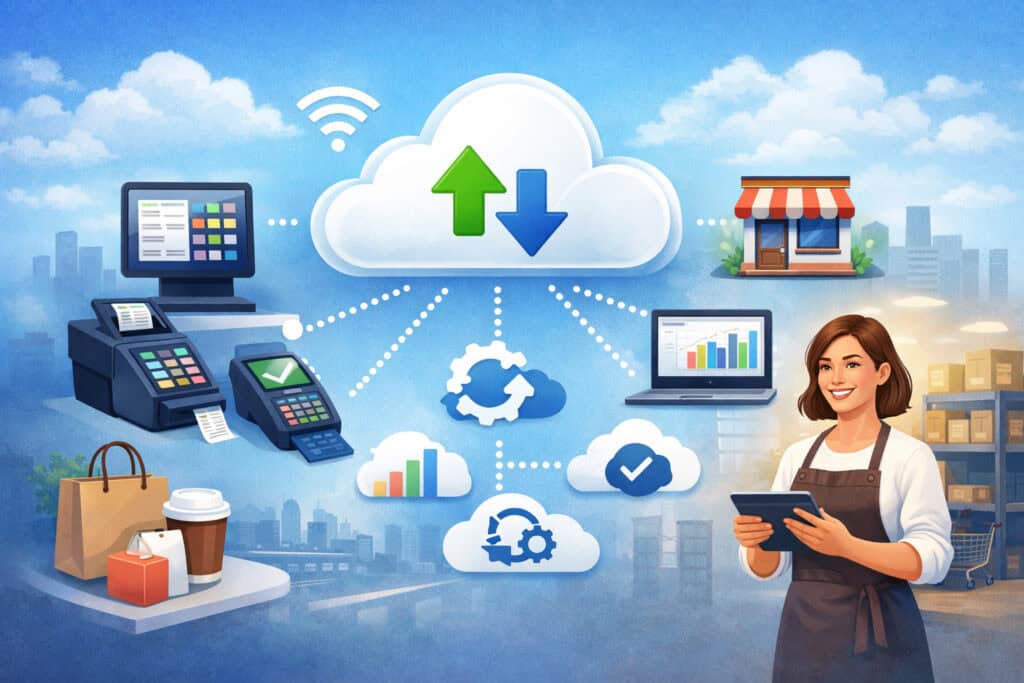
In the cloud POS vs on-premise POS in Erie debate, “cloud” is often used as shorthand for “modern.” But cloud POS doesn’t automatically mean better—what it really means is your core POS software and data are hosted by the provider, and you access the system through apps or a web dashboard.
A well-designed cloud POS shines in daily operations because it’s easier to deploy, easier to update, and easier to manage across devices. Updates can happen automatically, new features can roll out quickly, and you can typically monitor sales, labor, and inventory from anywhere. For owners who aren’t on-site every day, cloud POS can feel like upgrading from a paper map to GPS.
But cloud POS isn’t “internet-only” in the simplistic way people assume. The best providers build resilient systems that keep registers running even when connectivity drops.
When you compare cloud POS vs on-premise POS in Erie, ask exactly what happens in these scenarios: internet slows, internet fails, router dies, or a device breaks mid-shift. A strong cloud POS will still allow order entry, print kitchen tickets, and store pending payments until it can sync again. A weak cloud POS may lock you out at the worst possible moment.
Cloud POS also changes your relationship with data. You usually get strong reporting and dashboards, but your data lives with the provider.
That’s not automatically bad—many providers have enterprise-grade security—but it means you must evaluate contracts, export options, data retention policies, and how quickly you can switch if you ever outgrow the platform.
If you want to make a truly confident cloud POS vs on-premise POS in Erie decision, treat “data portability” as seriously as “price.”
What “on-premise POS” really means in 2026
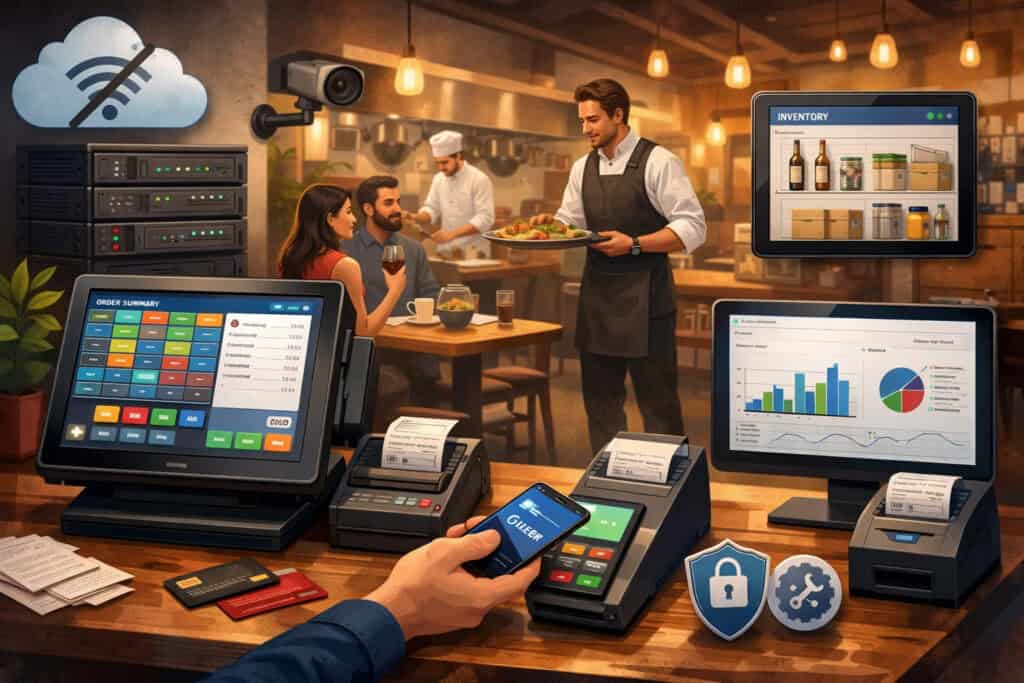
On-premise POS is sometimes described as “old-school,” but in the cloud POS vs on-premise POS in Erie conversation, on-premise systems still have real advantages—especially in locations where reliability is prized over remote convenience.
An on-premise POS typically runs on a local server, back-office PC, or dedicated controller inside your store. Your registers connect over a local network, and your data is stored locally. If the internet goes down, the system can keep processing orders, printing receipts, tracking inventory, and running reports—because the software isn’t dependent on the provider’s servers.
However, on-premise doesn’t mean “no internet needed.” Card payments still require authorization in most cases. Updates may require internet access (or manual installs).
Remote access usually requires extra setup, and if you have multiple locations, you’ll need a strategy to sync data across sites. That’s where cloud POS vs on-premise POS in Erie gets nuanced: on-premise can be more stable locally, but more complex operationally.
On-premise can also create responsibility. You (or your IT partner) become the person accountable for backups, server health, hardware replacement cycles, and security patching. If a hard drive fails and your backups aren’t current, you can lose vital records.
In contrast, cloud providers typically handle infrastructure redundancy, though you still must manage user permissions, devices, and local network security.
The bottom line: on-premise is often best when you value local control and predictable operation more than remote access and rapid feature updates. In cloud POS vs on-premise POS in Erie, on-premise is often chosen by high-volume environments that want systems to keep running even under pressure—so long as they’re prepared to maintain the setup properly.
Total cost of ownership: the numbers that actually matter

If you only compare sticker prices, you can make the wrong cloud POS vs on-premise POS in Erie choice. The better approach is total cost of ownership (TCO)—what you’ll pay over 3–5 years in subscriptions, hardware, support, upgrades, downtime, and switching costs.
Cloud POS costs often look like a monthly fee per terminal, plus add-ons (advanced inventory, loyalty, delivery integrations, marketing tools, extra user roles). That subscription model can be easier on cash flow because you avoid a large upfront license.
It can also be more predictable because updates are included. But subscriptions can grow as you add registers, locations, or features. Over time, you may spend more than you would on a one-time license—especially if you keep the POS for many years.
On-premise POS often involves higher upfront costs: server hardware, licensing, installation, and sometimes paid upgrades. Support contracts may be separate. If you amortize those expenses, the long-term cost can be competitive. The catch is that hardware ages, systems need patching, and unexpected service calls can spike your budget.
Downtime is part of TCO too. A POS that fails during a Saturday rush can cost more than a whole year of subscription fees.
So when comparing cloud POS vs on-premise POS in Erie, include the cost of operational interruption: how long it takes to get help, how quickly you can swap hardware, whether you can run offline, and what your staff does if the system becomes unavailable.
A practical approach is to create a “POS risk budget” alongside the financial budget. If you’re a high-volume restaurant, reliability and speed may outweigh a lower monthly fee.
If you’re a boutique retail shop, remote visibility and easy updates may save time and reduce mistakes. TCO isn’t only money—it’s also your time, your stress, and your ability to operate smoothly.
Reliability and offline performance in Erie: internet, power, and winter-proofing
This is where cloud POS vs on-premise POS in Erie becomes very real. Erie weather can be unpredictable, and storms can affect power, connectivity, and foot traffic. Your POS needs a survival plan.
Start with internet dependency. A cloud POS should be evaluated for offline mode depth: Can you still ring up items? Can you still apply discounts? Can you still print receipts and kitchen tickets? Can you store card payments for later, or do you need to switch to cash? What happens to gift cards, loyalty points, and returns when offline? These details decide whether “cloud” is safe for your operation.
On-premise systems typically keep selling even when the internet drops—because the core logic is local. But you still need to plan for card authorization outages.
Many merchants handle this by enabling offline card acceptance (with strict limits) or keeping a backup payment method available. Your payment provider’s rules matter here, and you must consider chargeback and fraud risk.
Power resilience is equally important. For both cloud and on-premise, a battery backup (UPS) for your modem/router, back-office PC/server, and critical printer can prevent chaos. In cloud POS vs on-premise POS in Erie, cloud setups usually have fewer “single points of failure” in-store, but they rely on a functioning network.
On-premise setups can be more robust locally, but if the server fails, everything may stop unless you have redundancy.
Also consider staffing. If you don’t have someone who can troubleshoot basic network issues, a cloud POS that depends on Wi-Fi can become a daily headache. Conversely, an on-premise POS with a local server might require periodic maintenance that a small team can’t handle without outside support.
The smart Erie merchant doesn’t ask, “Which POS is more reliable?” They ask, “Which POS is more reliable for my building, my internet, my staff, and my busiest hour?” That’s the most honest cloud POS vs on-premise POS in Erie question you can ask.
Security and compliance: PCI DSS 4.0, privacy, and real-world risk reduction
Security isn’t optional in any cloud POS vs on-premise POS in Erie decision. Your POS touches payment data, employee logins, and sometimes customer contact details. That makes it a prime target for fraud and malware.
First, understand PCI DSS. PCI DSS is the global framework for protecting cardholder data, and PCI DSS 4.0 is the current standard with updated requirements and resources maintained by the PCI Security Standards Council.
The practical takeaway is this: your POS should minimize what sensitive payment data touches your environment. Look for tokenization, end-to-end encryption, and a design where card data is handled securely by certified payment components rather than stored on local devices.
Cloud POS can be advantageous because providers often centralize security controls, deploy patches quickly, and maintain hardened infrastructure. But cloud doesn’t eliminate merchant responsibility—you still must control access (strong passwords, role-based permissions, MFA where available), secure devices, and train staff against social engineering.
On-premise POS can be secure too, but it increases your responsibility for patching, network segmentation, and malware protection. If the same back-office PC is used for web browsing and POS administration, risk increases dramatically. In cloud POS vs on-premise POS in Erie, on-premise environments usually require stricter local IT discipline to remain safe.
Privacy laws matter as well. Pennsylvania’s Breach of Personal Information Notification Act (BPINA) covers notification requirements and security standards for entities that maintain computerized data, with amendments approved in 2024 and effective later that year.
If your POS stores customer names, phone numbers, emails, or other personal information, you need a plan for access controls, retention policies, and incident response.
Security is not only a compliance task—it’s a business continuity task. The best outcome in cloud POS vs on-premise POS in Erie is a system that reduces your “attack surface,” keeps sensitive data out of your store network when possible, and makes it easy to enforce good habits.
Taxes, reporting, and audit-readiness for Erie merchants
A POS that can’t handle taxes cleanly is a liability. For Erie businesses comparing cloud POS vs on-premise POS in Erie, this section often becomes the deciding factor after reliability.
Erie’s combined sales tax rate is commonly listed as 6%, with 0% local add-on in Erie. Your POS must apply the correct tax rate across taxable and non-taxable items, handle exemptions when applicable, and produce reports that match your filings.
If you sell a mix of goods (like prepared foods plus packaged items, or taxable products plus non-taxable services), your POS should support item-level tax rules and clear categories.
Cloud POS systems often shine in reporting: dashboards, real-time summaries, automated daily close reports, and remote visibility. If you’re managing from multiple sites or you want your accountant to pull reports without being on-site, cloud can feel effortless. On-premise systems can do strong reporting too, but remote access and data sharing can require extra configuration.
Refunds, returns, and discounts must also be consistent. Audit issues often come from messy discounts, inconsistent tax handling on returns, or manual overrides. A good POS—cloud or on-premise—should enforce clean workflows so your end-of-day totals match deposits and inventory movement.
If you handle alcohol sales, you may also care about regulatory guidance and best practices for license compliance. Pennsylvania’s Liquor Control Board maintains laws, compliance resources, and legal FAQs that businesses can reference when staying aligned with licensing expectations.
Your POS choice won’t “solve” compliance, but it can help you track categories, time stamps, and sales mix with less manual work.
Ultimately, cloud POS vs on-premise POS in Erie isn’t just about ringing sales—it’s about producing reliable, repeatable records that make tax time boring (in the best way).
Integration and growth: payments, inventory, online ordering, and multi-location scaling
Many POS decisions fail because a business chooses a system for today, not for what it will become. In cloud POS vs on-premise POS in Erie, cloud systems usually win on integrations and scaling speed—because cloud ecosystems are built for add-ons like online ordering, delivery, inventory automation, loyalty, email/SMS marketing, and accounting syncs.
If you plan to add online ordering, sell gift cards across channels, or launch a simple eCommerce storefront, cloud POS can reduce friction. Data stays centralized, updates propagate faster, and you can often manage menu and product changes once instead of updating every terminal manually.
On-premise POS can integrate too, but integrations may require custom connectors, local middleware, or more technical configuration. Multi-location reporting can be more complex if each store’s data is stored locally and then synced. That doesn’t mean on-premise can’t scale—it can—but scaling tends to be more “engineered” and less plug-and-play.
Inventory is a major differentiator. Retailers who track variants (size/color), serial numbers, or purchasing workflows may benefit from cloud inventory modules with better analytics and vendor integrations.
Restaurants may care more about menu mapping, modifiers, kitchen routing, and ingredient-level inventory. When evaluating cloud POS vs on-premise POS in Erie, list your critical workflows (not feature wishes) and see which platform supports them without workarounds.
Also consider payment processing strategy. Some POS providers are “tied” to a specific processor, while others let you choose. Depending on your pricing goals and risk profile, flexibility may matter a lot. A scalable POS should also support modern payment types (tap-to-pay, mobile wallets) and reduce friction at checkout.
Growth is rarely linear. Erie businesses expand, shrink, add seasonal staff, change concepts, or move locations. The right system is the one that adapts without forcing a full replacement—because the hidden cost in cloud POS vs on-premise POS in Erie is not the monthly fee, it’s the disruption of switching.
A practical decision framework for cloud POS vs on-premise POS in Erie
If you want to make a confident choice, use a decision framework instead of gut feeling. The core of cloud POS vs on-premise POS in Erie can be decided by scoring each option against your real-world needs.
Choose cloud POS when:
- You want remote visibility and easy management from anywhere.
- You need fast deployment, frequent updates, and strong app/integration ecosystems.
- You expect to add locations, sell online, or change offerings frequently.
- You don’t want to manage local servers and backups.
- You can verify strong offline mode and have a plan for connectivity issues.
Choose on-premise POS when:
- Your top priority is local operational continuity when the internet is unreliable.
- You prefer owning and controlling the environment and update timing.
- You run high-volume operations where speed and predictability are critical.
- You have reliable IT support for maintenance, backups, and security.
- You can accept slower feature rollouts and potentially more complex scaling.
Then add the “Erie reality checks”:
- What happens during a winter storm day?
- What happens when two staff call out and a new hire runs the register?
- What happens when your ISP has an outage during peak time?
- How quickly can you get support—remote or on-site?
Also include compliance and security as hard requirements, not “nice-to-have.” PCI guidance and resources from the PCI Security Standards Council emphasize protecting payment data through standardized controls and practices. Pennsylvania’s BPINA highlights notification and security expectations around personal information.
When you apply this framework, the best cloud POS vs on-premise POS in Erie decision often becomes obvious.
Implementation checklist for Erie merchants (so you don’t lose weekends to your POS)
Even the perfect POS can become a headache if implementation is rushed. In cloud POS vs on-premise POS in Erie, success often depends more on rollout quality than platform type.
Step 1: Define workflows before shopping (not after)
Most merchants shop for features, but you should shop for workflows. Write down exactly how a sale happens in your business—from greeting to receipt. Include returns, discounts, tips, split payments, and voids.
For restaurants, include order pacing, modifiers, kitchen routing, and “86” items. For retail, include variants, exchanges, and purchase orders. For services, include appointments, deposits, and package sales.
This matters because cloud and on-premise systems can both “do POS,” but they often differ in the details. When evaluating cloud POS vs on-premise POS in Erie, the winner is the system that matches how your staff actually works on a busy day, not how you wish they worked.
Define roles and permissions early. Decide who can comp items, who can refund, who can edit prices, and who can access reports. That’s a security control and a training tool. It also reduces end-of-day surprises.
Finally, define your success metrics: faster checkout, fewer mistakes, better inventory accuracy, lower chargebacks, or better reporting. A POS is only “good” if it improves the metrics that matter. Otherwise, cloud POS vs on-premise POS in Erie becomes an endless debate with no clear win.
Step 2: Engineer reliability (internet, power, and backup plans)
Reliability is a design choice. If you pick cloud, confirm offline behavior in writing and test it in a demo. If you pick on-premise, confirm backup procedures and hardware redundancy. Either way, strengthen your weak links.
In Erie, start with network stability. Use business-grade routers, separate guest Wi-Fi from POS traffic, and keep critical devices wired where possible. Add a UPS to protect your modem/router and essential equipment. Consider a secondary internet option for failover if downtime is expensive.
For payments, define your offline policy. Can you accept offline payments under certain limits? Do you switch to cash? Do you use a backup terminal? The best cloud POS vs on-premise POS in Erie setup is one where staff never has to invent a plan during a crisis.
Also plan for support. Who do you call at 8:30 pm on a Friday? What’s the response time? Is there 24/7 support? Is on-site service available? Reliability isn’t just technology—it’s your ability to recover quickly.
Step 3: Train like you’re onboarding a brand-new team
POS training often fails because owners train “features,” not “situations.” Build training around scenarios: a customer wants a refund without a receipt, a card declines, an item is out of stock, a table wants to split checks, a discount is approved, or an employee clocks in late.
Create a short “Shift Survival Guide” printed near the register. Keep it simple: how to reboot, how to switch to offline mode, who to call, how to close the day, and how to handle common issues.
In cloud POS vs on-premise POS in Erie, cloud systems can be easier to learn because interfaces tend to be modern and consistent. On-premise systems can be lightning fast and efficient once learned, but may require more structured training depending on design.
Finally, run a “soft launch” with real transactions before you go fully live. Your goal is to find friction points before customers feel them. Implementation is where good POS decisions become great ones—or expensive ones.
Future predictions: where cloud POS vs on-premise POS in Erie is heading
The POS market is shifting fast, and Erie merchants should choose systems that won’t feel outdated in two years. The biggest trend affecting cloud POS vs on-premise POS in Erie is the rise of hybrid architectures: cloud-managed systems with strong local offline capability.
Providers are realizing that pure cloud dependency is risky for real-world operations, especially in regions where outages happen.
Expect more “offline-first” features: local order storage, stronger sync logic, better conflict resolution, and smarter device caching. This will make cloud POS more resilient and reduce one of the biggest reasons merchants choose on-premise.
Security standards will keep tightening too. PCI DSS evolves to address modern threat patterns, and PCI DSS 4.0 is the current framework merchants align with to safeguard cardholder data. As standards mature, POS providers will push more secure-by-default settings: mandatory MFA, stronger device controls, and improved logging.
You’ll also see more automation built into POS workflows: AI-driven inventory suggestions, labor forecasting, anomaly detection (flagging suspicious refunds or unusual discounts), and customer segmentation for marketing. Cloud POS platforms usually deliver these faster because they can roll updates centrally.
On-premise systems won’t disappear. They’ll remain attractive for high-volume environments and merchants who prioritize local control. But on-premise vendors will increasingly mimic cloud convenience through remote management tools, encrypted syncing, and subscription-based support models.
The most realistic prediction is that cloud POS vs on-premise POS in Erie will become less binary. Many merchants will end up on a hybrid cloud model that behaves like on-premise during outages and behaves like cloud during normal operations. If you’re buying a POS today, prioritize the platform that’s clearly building toward that future.
FAQs
Q.1: Which is better for a busy restaurant in Erie: cloud or on-premise?
Answer: For many high-volume restaurants, the best choice in cloud POS vs on-premise POS in Erie depends on how well the system handles peak pressure and outages.
On-premise can be excellent when you need predictable speed and local continuity—especially if your kitchen routing and modifiers are complex and you can’t afford interruptions. A local server-based setup can keep order flow moving even if the internet drops.
But cloud can also be an outstanding fit for restaurants if (and only if) the offline mode is strong enough for real service. The key is to test a “Friday night simulation”: entering orders, firing courses, splitting checks, printing tickets, and closing checks while the internet is unplugged.
If the cloud POS keeps functioning, you gain advantages like remote reporting, fast updates, easier multi-location control, and simpler integrations for online ordering and delivery.
Also a factor in staffing. Restaurants often have turnover. A cloud POS with intuitive design can shorten training time. In the end, the right answer to cloud POS vs on-premise POS in Erie for restaurants is whichever system remains calm and usable during chaos—because your POS must serve the line, not the other way around.
Q.2: What’s the safest choice for payment security and compliance?
Answer: Security is not about “cloud vs local” as much as it’s about architecture and discipline. PCI DSS provides the security framework merchants follow to protect cardholder data, and PCI DSS 4.0 is the current standard.
In many cases, cloud POS reduces risk because providers can patch infrastructure quickly, centralize monitoring, and deploy standardized controls at scale.
However, the cloud doesn’t eliminate merchant responsibility. You still control user access, passwords, device security, and staff behavior. On-premise can be secure too, but it requires more local maintenance and stronger IT hygiene (patching, antivirus, network segmentation, backups). If those tasks slip, risk increases.
Also remember privacy obligations. Pennsylvania’s BPINA outlines notification requirements and security expectations for organizations handling personal information, and amendments approved in 2024 took effect later in 2024.
If your POS stores customer contact data, you need access controls, retention policies, and an incident response plan regardless of platform.
So the safest cloud POS vs on-premise POS in Erie choice is typically the system that minimizes card data exposure through encryption/tokenization and is easiest for you to operate securely every day.
Q.3: How do I make sure my POS handles Erie sales tax correctly?
Answer: Erie’s sales tax rate is commonly listed as 6%, and your POS must apply the correct rate consistently across taxable items while handling exemptions and category differences properly.
In cloud POS vs on-premise POS in Erie, cloud systems often make tax updates and rule management easier, especially if rates or taxability rules change in the future. On-premise can handle taxes accurately too, but updates may require more manual configuration depending on the vendor.
To reduce risk, configure taxes at the item/category level (not just a blanket rate), test sample transactions, test returns/refunds, and confirm how discounts interact with tax. Then compare POS reports to deposits during a trial period so you can catch inconsistencies early.
If your business sells a mix of prepared foods, packaged goods, services, or regulated items, don’t assume the default settings are correct. The most “rank-worthy” advice in cloud POS vs on-premise POS in Erie is simple: treat tax configuration as a critical setup phase, not a checkbox.
Conclusion
The right decision in cloud POS vs on-premise POS in Erie isn’t about trends—it’s about fit. Cloud POS tends to win when you want flexibility, remote visibility, rapid updates, strong integrations, and easier scaling.
On-premise tends to win when local continuity and predictable performance are your top priorities and you’re prepared to maintain the system responsibly.
To make the choice confidently, focus on:
- Offline performance and recovery plans (especially during outages)
- Total cost of ownership over 3–5 years
- Security posture aligned with PCI expectations
- Privacy and breach readiness under Pennsylvania BPINA
- Accurate tax handling for Erie’s commonly listed 6% rate
- Your growth path (online ordering, multi-location, inventory complexity)
If you treat the decision like an operations strategy instead of a software purchase, you’ll end up with a POS that staff actually likes, customers barely notice (because it’s fast), and owners trust (because reporting is clean).
That’s the real win in cloud POS vs on-premise POS in Erie—a system that quietly supports your business every day, including the days when everything else goes wrong.