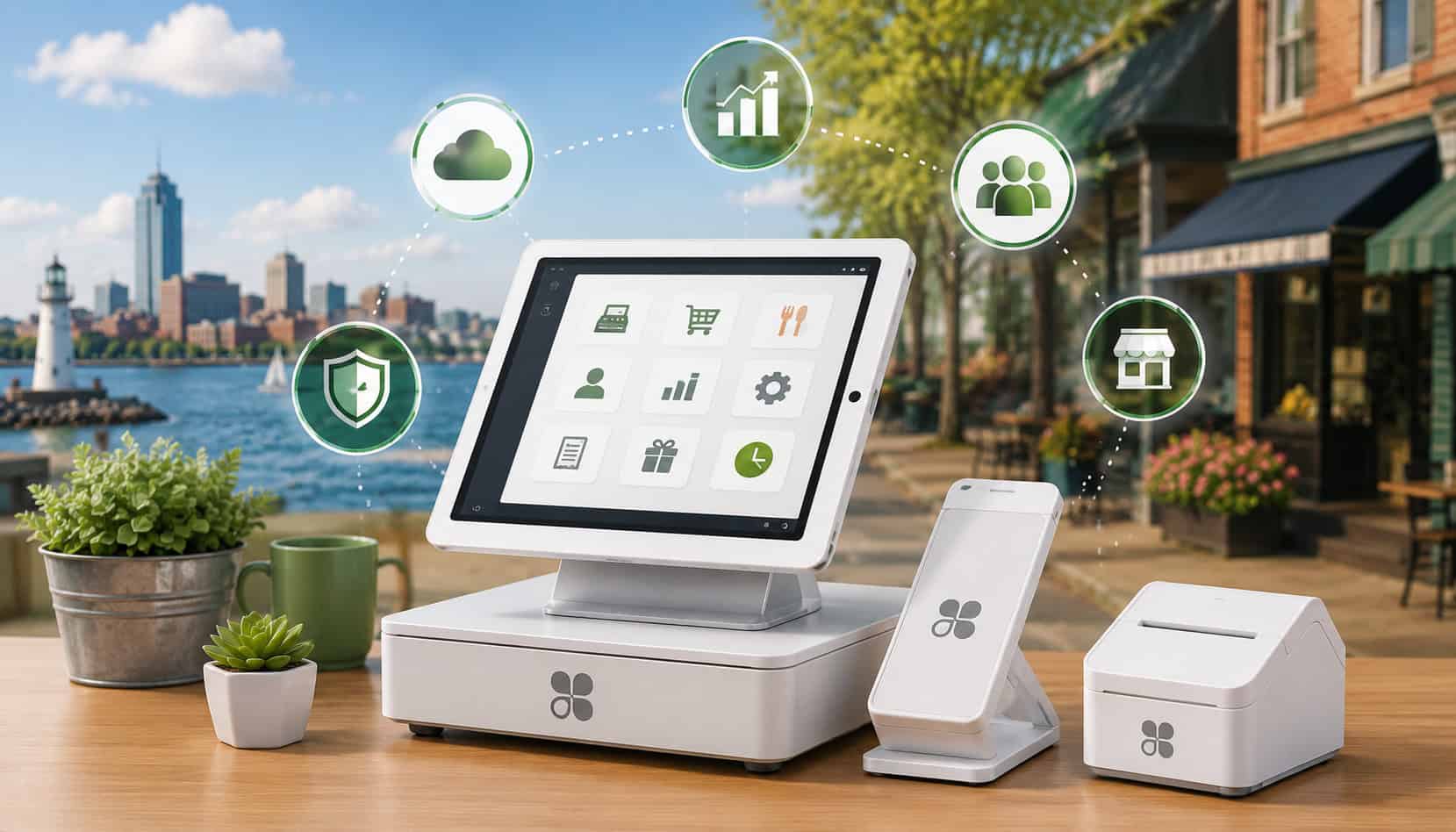
Erie businesses need payment tools that keep up with busy lunch rushes, retail foot traffic, service appointments, delivery orders, pop-up events, and customers who expect fast checkout.
That is why many local owners are comparing Clover POS systems for Erie businesses as they look for better ways to accept payments, manage inventory, track sales, and understand daily performance.
A modern point of sale is no longer just a cash register. It can support card payments, mobile wallets, online orders, employee logins, inventory counts, customer profiles, gift cards, loyalty tools, reporting, and back-office workflows.
For a restaurant near the bayfront, a boutique in a shopping district, a salon, a contractor, or a seasonal vendor, the right POS setup can reduce manual work and make each transaction easier to manage.
Clover POS Erie PA searches often come from business owners who want practical payment technology without building a custom system from scratch. Clover point of sale systems combine hardware, software, and payment tools in a flexible platform.
Depending on the setup, a business may use Clover Flex for mobile checkout, Clover Station for a full-service counter, or Clover Mini for compact storefront needs.
For additional local payment setup guidance, Erie business owners may also find this payment processing setup guide helpful when comparing merchant accounts, POS tools, and transaction workflows.
What Are Clover POS Systems?
Clover POS systems are point of sale platforms that help businesses accept payments, manage sales, and organize daily operations from one connected system. Instead of using separate tools for card payments, receipts, inventory, employee tracking, and sales reports, Clover brings many of those functions into one business POS software environment.
At the center of a Clover setup is payment acceptance. Customers can pay with chip cards, swipe cards, contactless cards, and mobile wallets, depending on the device and configuration.
The POS records the transaction, sends payment data for authorization, prints or sends a receipt, and updates sales reporting. For many Erie businesses, this creates a smoother checkout process than using a standalone terminal with separate manual records.
Clover POS systems also use cloud-based POS systems technology. That means business data can be available through an online dashboard, not only on the physical device at the counter.
Owners and managers can review sales, compare locations, check inventory activity, monitor employee performance, and access reports without being physically present at the store.
Hardware is another major part of Clover payment solutions. Common device options include Clover Flex, Clover Station, and Clover Mini. Each device serves a different operational need. A mobile vendor may prefer a handheld unit, while a restaurant or retail shop may need a larger countertop station with a cash drawer, receipt printer, and customer-facing screen.
Clover merchant services can also support additional tools such as inventory management, customer profiles, loyalty programs, gift cards, online ordering, invoicing, and third-party apps. The exact features depend on the software plan, hardware setup, payment processing agreement, and apps selected.
For businesses comparing local options, this overview of POS systems for small businesses in Erie can provide helpful context on how different systems fit different industries.
How Clover POS Systems Work for Erie Businesses
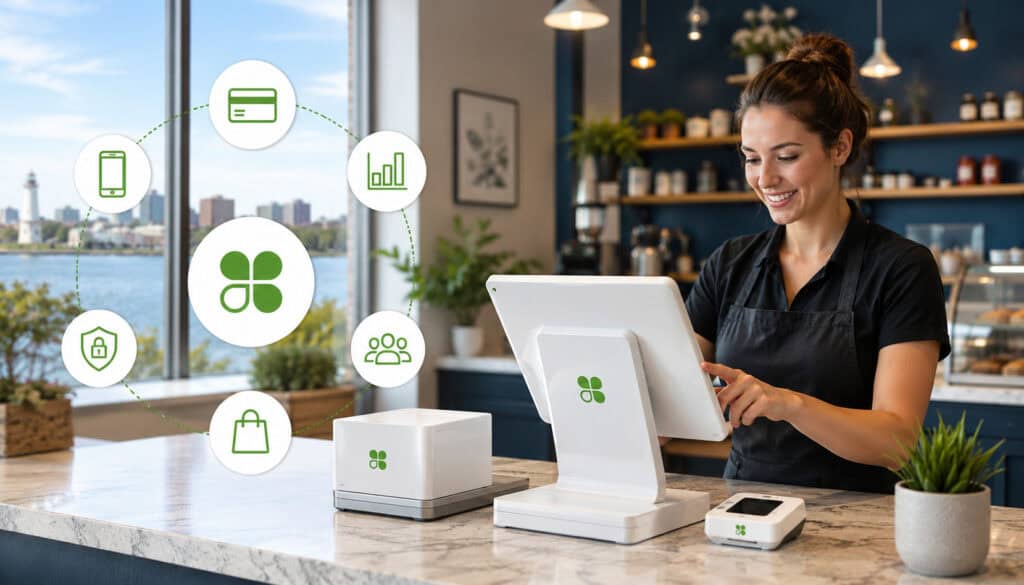
Clover POS systems for Erie businesses work by connecting checkout, payments, sales tracking, and management tools into one coordinated workflow. When a customer pays, the POS captures the sale details, applies taxes or discounts if configured, sends the payment for processing, and records the transaction in the reporting dashboard.
For retail stores, this can mean that inventory counts update after each sale. For restaurants, it can mean menu items, modifiers, tips, tables, or order notes flow through the system more efficiently.
For service businesses, it can help track payments, invoices, customer details, and staff activity. For mobile sellers, a portable device can make it easier to accept payments away from a traditional counter.
Clover payment processing Erie businesses use may include card-present transactions, keyed transactions, invoices, mobile payments, and contactless payments. These tools can help customers pay in the way they prefer while giving owners better visibility into sales trends.
Cloud reporting is one of the most useful parts of modern payment processing systems. Instead of waiting until the end of the week to manually review receipts, business owners can see revenue patterns, top-selling items, slow periods, refund activity, and employee sales data. This can support better staffing, purchasing, menu planning, and cash flow decisions.
Employee management is another important function. Businesses can create staff logins, assign permissions, track sales by employee, and limit access to sensitive actions such as refunds or discounts. This is especially useful for businesses with part-time staff, seasonal employees, or multiple people using the same checkout station.
Customer tracking can also support repeat business. Depending on the tools enabled, Clover point of sale systems may help store customer contact details, purchase history, loyalty activity, and preferences. That information can help businesses create better follow-up, promotions, and customer service experiences.
| Clover Feature | Business Use | Key Benefit |
| Payment acceptance | Take chip, swipe, tap, and mobile wallet payments | Faster checkout and more customer payment options |
| Cloud dashboard | Review sales and reports remotely | Better visibility into daily performance |
| Inventory tools | Track products, menu items, and stock movement | Fewer stock surprises and better purchasing decisions |
| Employee logins | Assign staff access and monitor activity | More accountability and fewer transaction errors |
| Customer profiles | Save customer details and purchase history | Stronger repeat-customer marketing |
| Invoicing tools | Send payment requests for services or deposits | Easier billing outside the storefront |
| App integrations | Add loyalty, accounting, ordering, or ecommerce tools | More flexible business workflows |
For broader local comparison, this payment processing checklist for Erie business owners can help evaluate fees, POS options, tools, and support needs.
Clover Flex for Mobile Payments
Clover Flex is a portable POS device designed for businesses that need mobile POS solutions. It can support payments away from a fixed counter, making it useful for food trucks, delivery services, outdoor sales, curbside pickup, service calls, event vendors, and busy restaurants where staff may take payments at the table.
For Erie businesses that operate seasonally or attend community events, a handheld device can make checkout more flexible. Instead of writing down card details later or relying only on cash, staff can accept payment on the spot. This can improve cash flow, reduce missed sales, and create a more professional checkout experience.
Restaurants may use Clover Flex for pay-at-table workflows. Retailers may use it for line-busting during peak times. Service businesses may use it to collect deposits or final balances at a customer location. Because it is portable, it can help businesses serve customers wherever the transaction naturally happens.
Clover Flex can also support receipts, tipping, item selection, and access to business tools, depending on the setup. For many small businesses, it offers a practical balance between mobility and POS functionality.
Clover Station for Full-Service Operations
Clover Station is often a stronger fit for businesses that need a full checkout hub. This may include retail stores, restaurants, cafes, quick-service counters, salons, repair shops, and service businesses with steady in-person traffic. A larger screen, stronger checkout layout, and optional accessories can make it easier to manage higher transaction volume.
For restaurant POS systems, Clover Station can support menu organization, modifiers, tipping, order workflows, and staff access. For retail POS systems, it can support product catalogs, barcode scanning, cash drawers, receipts, inventory activity, and customer lookup. The goal is to create a central command point for daily sales and management.
A full-service setup can also help managers reduce friction at checkout. Staff can find items faster, apply discounts correctly, process returns with permission controls, and keep transactions consistent. This matters when multiple employees use the system across different shifts.
Clover Station may be more than a small business needs at first, but it can be a good fit for businesses planning to grow. If a shop expects higher volume, more staff, or more complex inventory, a larger POS station may provide more long-term flexibility.
Clover Mini for Small Businesses
Clover Mini is a compact POS option that can work well for smaller storefronts, boutiques, salons, studios, professional offices, quick-service counters, and local businesses with limited counter space. It offers more functionality than a basic card reader but takes up less room than a full station.
For Clover POS systems for small businesses Erie owners are comparing, Clover Mini can be appealing because it keeps the checkout area clean and simple. A boutique may use it for product sales and customer lookup. A salon may use it for services, tips, and retail add-ons. A small cafe may use it for quick counter payments.
The compact size can also help businesses that do not want their checkout counter dominated by hardware. In smaller spaces, every inch matters. A smaller device may leave more room for displays, product samples, appointment materials, or customer-facing items.
Clover Mini may also work as part of a larger setup. Some businesses use it as a secondary station, customer-facing display, or additional checkout point. That makes it useful for owners who want flexibility without overbuilding their POS environment.
Benefits of Clover POS Systems for Small Businesses in Erie
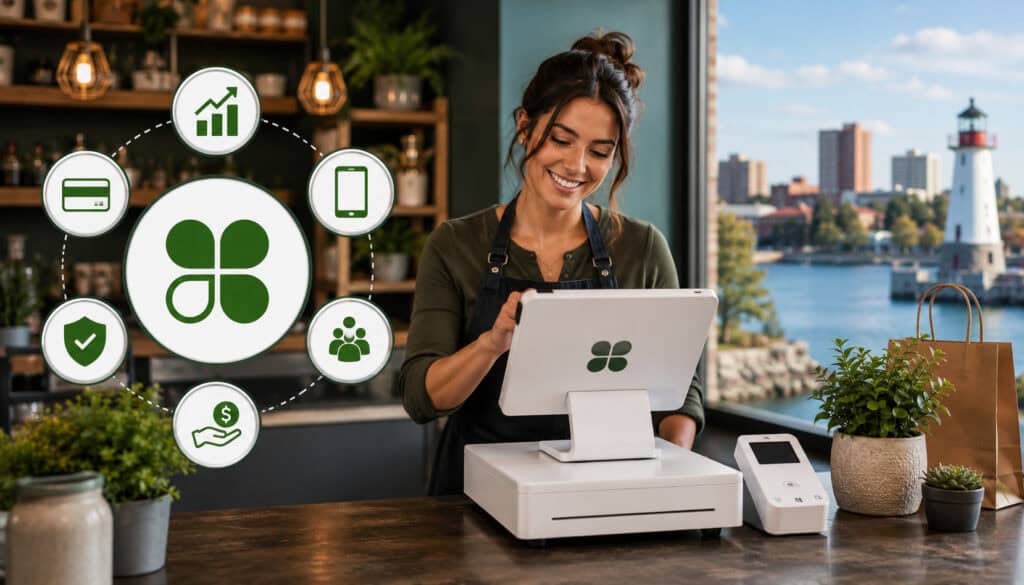
The biggest benefit of Clover POS systems for small businesses in Erie is that they can simplify daily operations while improving the customer payment experience. A business can use one connected system for checkout, payment acceptance, receipts, reporting, inventory, employee access, and customer management instead of juggling disconnected tools.
Customer convenience is one of the clearest advantages. Shoppers, diners, and clients increasingly expect tap-to-pay, chip cards, mobile wallets, text receipts, email receipts, and fast checkout. A modern POS system helps businesses meet those expectations without making every transaction feel complicated.
Contactless payments can also speed up lines. During busy hours, a few seconds per transaction can matter. Faster payments may help restaurants turn tables more efficiently, retailers reduce checkout lines, and service providers keep appointments moving.
Cloud reporting gives owners better visibility. Instead of guessing which items sell best or which hours are slowest, reports can show patterns. That can support staffing decisions, purchasing schedules, menu changes, promotions, and daily cash management.
Inventory management is especially useful for retail shops, cafes, and businesses with physical products. Clover POS systems can help track item movement, identify low stock, and show which products are selling. While no POS replaces disciplined inventory processes, it can reduce guesswork and improve planning.
Employee tracking adds another layer of accountability. Staff logins can show who processed a sale, refund, discount, or void. This can help managers train employees, identify mistakes, and reduce unauthorized activity.
Scalability is another reason businesses consider Clover payment solutions. A small business might begin with one device, then add another terminal, mobile unit, loyalty tool, ecommerce connection, or advanced reporting later. This flexibility can be useful for Erie businesses that want room to grow without replacing everything at once.
For businesses still deciding between local payment tools, this guide to cloud and on-premise POS options in Erie explains key differences around data access, internet dependence, and growth.
Payment Processing Features and Integrations
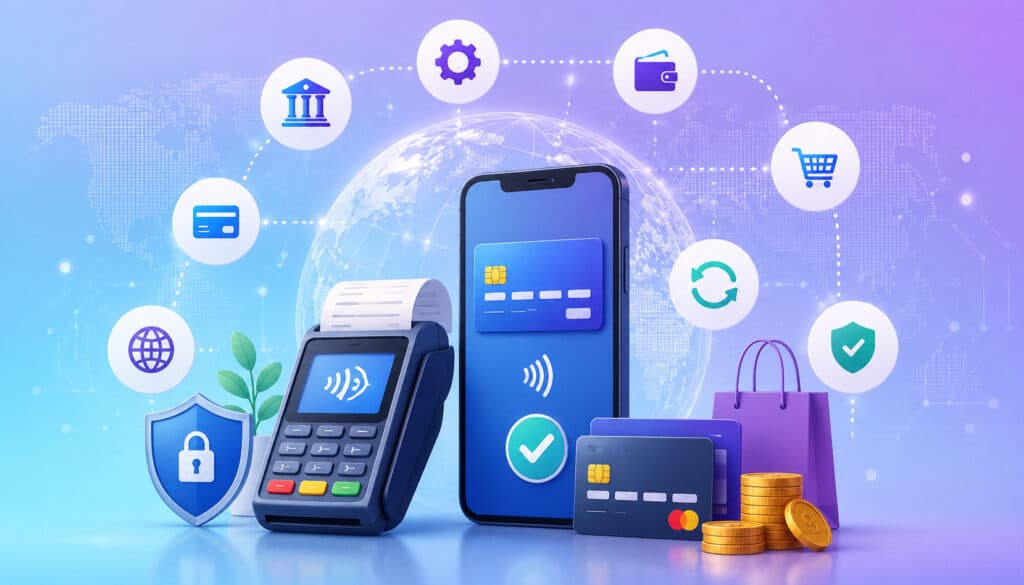
Clover payment processing Erie businesses may use can support a wide range of transaction types. These include chip cards, swipe cards, contactless cards, tap-to-pay cards, mobile wallets, keyed payments, and invoices. The exact options depend on the device, software plan, and merchant account setup.
Payment flexibility matters because customers do not all pay the same way. A retail customer may tap a card. A restaurant guest may use a mobile wallet. A service client may prefer an invoice link. A delivery customer may need payment taken away from the counter. Clover payment solutions can help businesses create a more complete payment environment.
Invoicing is useful for service businesses, contractors, professional offices, and businesses that take deposits. Instead of asking a customer to call with card details or mail payment, a business can send a payment request. This can reduce delays and create a cleaner record of the transaction.
Ecommerce integrations may also help businesses sell beyond the physical storefront. Depending on the setup, Clover can connect with online ordering, website sales, inventory tools, and third-party apps. This is useful for retailers selling products online, restaurants offering pickup orders, or service businesses accepting deposits through a website.
Loyalty programs and gift cards can support customer retention. A well-designed loyalty program gives customers a reason to return, while gift cards can bring in upfront revenue and introduce new customers to the business. These tools are especially helpful when they connect directly to the POS instead of being tracked separately.
Reporting tools are another key part of business POS software. Owners can review daily sales, transaction types, refunds, discounts, tips, employee performance, and product movement. Better reporting can turn payment data into management insight.
Clover’s app marketplace and integrations can extend functionality, but businesses should be selective. Adding too many apps can increase costs and complexity. The goal should be to connect tools that solve real operational problems, such as accounting, payroll, inventory, online ordering, reservations, appointment scheduling, or customer marketing.
Security Features of Clover Payment Processing Systems
Security is one of the most important parts of any payment processing system. When customers hand over a card or tap a mobile wallet, they expect the transaction to be handled safely. Businesses also need systems that support secure workflows, reduce fraud exposure, and help staff follow responsible payment practices.
Clover payment processing systems may use security tools such as encryption, tokenization, secure logins, permission controls, software updates, and PCI-aware workflows. The purpose of these tools is to help protect payment data as it moves through the transaction process and reduce the risk of sensitive information being exposed.
Encryption helps protect data by making it unreadable to unauthorized parties during transmission. Tokenization replaces sensitive card data with a token that cannot be used the same way as the original card number. These technologies are common in modern payment security and support safer payment handling.
PCI security is also important. The Payment Card Industry Security Standards Council provides standards and resources for protecting payment account data. Businesses can learn more from the official PCI Security Standards Council resource page.
Secure logins and role-based permissions are also essential. A cashier may need the ability to process sales, but not issue large refunds. A manager may need reporting access, but not full administrative control. A business owner may need complete access, but only through secure credentials.
Software updates matter as well. Cloud-based POS systems can receive updates that improve performance, security, and functionality. Businesses should keep systems current and avoid ignoring update notifications or using outdated workflows.
Security is not only about technology. It is also about habits. Staff should know how to recognize suspicious transactions, protect login credentials, handle refunds properly, and avoid writing down card information.
Protecting Customer Payment Data
Protecting customer payment data helps businesses reduce fraud risk and build trust. Customers may not see every security measure behind the scenes, but they notice when checkout feels professional, consistent, and reliable. A secure POS workflow helps reinforce confidence at the point of sale.
Businesses should avoid practices that create unnecessary risk. Staff should not write down card numbers, store sensitive payment information insecurely, share logins, or process payments through unapproved devices. Even small shortcuts can create larger problems if they become routine.
Clover point of sale systems can support safer workflows by routing payments through secure devices and approved payment channels. When paired with proper staff training, this can help reduce avoidable mistakes. Businesses should still review their own compliance responsibilities and processor requirements.
Customer trust is especially important for local businesses that depend on repeat visits and referrals. A secure, smooth checkout experience helps protect both the buyer and the business relationship.
Managing Employee Permissions and Refund Access
Employee permissions help reduce internal fraud, transaction mistakes, and accidental misuse of sensitive POS features. Not every employee needs access to every function. A well-configured POS system should match permissions to job responsibilities.
For example, a cashier may need to complete sales and print receipts. A shift lead may need to apply discounts or handle basic refunds. A manager may need access to reports, employee settings, and end-of-day review. The owner or administrator may need full access to system settings and financial information.
Refund access deserves special attention. Refunds, voids, discounts, and cash drawer adjustments are common areas where mistakes or abuse can occur. Role-based controls can help ensure that only approved employees perform these actions.
Permissions should be reviewed regularly. When employees change roles, leave the business, or no longer need access, their logins should be updated or removed. Shared logins should be avoided because they make it harder to know who completed a transaction.
Costs and Pricing Considerations
Costs for Clover POS systems for Erie businesses can vary based on hardware, software, payment processing, setup, support, and optional add-ons. The right question is not only “What does it cost?” but “What does the business actually need to operate efficiently?”
Hardware pricing depends on the device. A handheld Clover Flex, compact Clover Mini, and full Clover Station will typically have different cost structures. Accessories may also affect the total investment, including cash drawers, barcode scanners, kitchen printers, receipt printers, scales, stands, and customer-facing displays.
Software subscriptions can also vary. Basic plans may support simple payment acceptance, while more advanced plans may include deeper inventory, restaurant features, employee management, reporting, customer engagement, or integrations. Businesses should compare what is included before choosing the lowest monthly price.
Payment processing fees are another major factor. These may include transaction rates, per-transaction fees, keyed-entry fees, chargeback fees, batch fees, statement fees, PCI-related fees, or other account costs. Erie business owners should ask for a clear explanation of pricing before signing an agreement.
Add-on apps can be valuable, but they may add recurring costs. Loyalty tools, advanced inventory, accounting integrations, online ordering, scheduling, payroll connections, and marketing apps can improve operations, but they should be evaluated carefully.
Setup costs may include installation, menu building, product catalog imports, staff training, hardware configuration, and data migration. Some businesses can set up quickly, while others need more support. Restaurants with modifiers, tax rules, departments, tips, and kitchen routing may need more setup time than a simple service counter.
Support plans should also be considered. A POS problem during a busy shift can interrupt sales. Businesses should understand what support is available, when it is available, and whether local assistance or remote troubleshooting is included.
Common Mistakes Erie Businesses Should Avoid With POS Systems
One common mistake is choosing POS hardware before reviewing software needs. A device may look sleek, but the real question is whether it supports your checkout flow, reporting needs, inventory structure, employee permissions, and customer experience goals.
Another mistake is ignoring payment processing fees. A business may focus on monthly software costs while overlooking transaction rates and extra fees. Over time, processing costs can have a major impact, especially for businesses with high volume or many small-ticket transactions.
Weak internet planning can also create problems. Cloud-based POS systems are powerful, but businesses should understand what happens during internet interruptions. Erie weather, building limitations, and network issues can affect connectivity. A backup plan may include a secondary internet connection, mobile hotspot, offline payment procedures, or backup card reader.
Poor employee training is another avoidable issue. Even the best POS system can create frustration if staff do not know how to use it. Training should cover sales, tips, refunds, discounts, receipts, customer lookup, end-of-shift procedures, and what to do when something goes wrong.
Businesses also sometimes overlook integrations. A POS system should work with the tools the business already uses or plans to use. Accounting, ecommerce, scheduling, payroll, online ordering, loyalty, and inventory tools should be considered before implementation.
Another mistake is failing to test the system before peak hours. Staff should run sample transactions, refunds, discounts, split payments, tips, and receipts before relying on the POS in front of customers.
Finally, businesses may forget to review reporting. POS reports are only useful when owners know how to read and act on them. Sales trends, item performance, employee activity, and refund reports should become part of regular management routines.
How to Choose the Right Clover POS Setup for Your Business
Choosing the right Clover POS setup starts with understanding your business model. A retail store, restaurant, salon, contractor, food truck, boutique, and professional office may all need payment processing, but they do not need the same workflow.
Start with business size. A single-counter shop may only need one compact device. A busy restaurant may need a full station, handheld devices, kitchen printing, and staff permissions. A growing retailer may need barcode scanning, inventory categories, customer profiles, and multiple checkout points.
Next, consider industry. Restaurant POS systems often need menu modifiers, tips, tables, order notes, kitchen routing, and shift reporting. Retail POS systems may need inventory tracking, SKUs, barcode scanning, returns, discounts, and customer purchase history. Service businesses may need invoices, deposits, appointment-related payments, and recurring customers.
Payment volume also matters. Businesses with higher transaction volume should pay close attention to processing rates, checkout speed, reporting, and hardware durability. A low-volume business may prioritize simplicity and low fixed costs.
Inventory needs should be reviewed carefully. A small salon with a few retail items has different needs than a boutique with hundreds of SKUs. If inventory is a major part of your operation, make sure the POS can handle product variations, stock counts, categories, and reporting.
Mobility requirements are also important. If payments happen at tables, events, delivery locations, curbside pickup, or service sites, Clover Flex may be a stronger fit than a countertop-only setup. If all payments happen at a fixed counter, Clover Station or Clover Mini may be more practical.
Customer experience goals should guide the final decision. Do you want faster checkout, better loyalty tracking, digital receipts, smoother tipping, online ordering, gift cards, or more professional invoices? The best setup should support those goals clearly.
Businesses should also compare contract terms, support quality, hardware ownership, cancellation rules, processing costs, app costs, and upgrade options. A POS system is a long-term operational tool, so flexibility matters.
What are Clover POS systems?
Clover POS systems are point of sale systems that combine payment processing, hardware, software, reporting, and business management tools. They help businesses accept customer payments while also tracking sales activity, inventory, employees, and customer information.
For Erie businesses, Clover can be used in retail shops, restaurants, salons, service businesses, mobile sales, and other local operations. The setup may include devices such as Clover Flex, Clover Station, or Clover Mini, depending on checkout needs.
Are Clover POS systems good for small businesses?
Clover POS systems can be a strong fit for small businesses that want flexible payment acceptance, cloud reporting, inventory tools, and scalable hardware options. They are especially useful for businesses that want more than a basic card terminal.
Small businesses should still compare software plans, processing fees, setup needs, support, and integrations before choosing a system. The best fit depends on transaction volume, industry, staff size, and day-to-day workflow.
Can Clover accept contactless payments?
Yes, Clover devices can support contactless payments when properly configured. This may include tap-to-pay cards and mobile wallet payments. Contactless payments can help speed up checkout and give customers a convenient way to pay.
For businesses with lines, table service, delivery, or event sales, contactless acceptance can improve the payment experience. It can also reduce the need for customers to insert or swipe cards.
Does Clover support inventory management?
Clover can support inventory management features depending on the software plan and setup. Businesses may be able to create product lists, track item sales, organize categories, monitor stock activity, and review product performance.
Retailers, cafes, boutiques, and service businesses with retail add-ons may benefit from inventory tools. Businesses with complex inventory should review feature details carefully before choosing a plan.
What businesses can use Clover POS systems?
Clover POS systems can be used by many business types, including restaurants, cafes, retail stores, salons, professional offices, contractors, mobile vendors, pop-up sellers, and service businesses. Different hardware options make it possible to build a setup around the way the business operates.
Clover Flex may fit mobile payments, Clover Station may fit full-service checkout, and Clover Mini may fit smaller counters. The best choice depends on space, transaction volume, staff needs, and customer flow.
Are Clover payment systems secure?
Clover payment systems include security-focused features such as secure payment handling, encryption, tokenization, user logins, permissions, and software updates. These features can help businesses reduce payment risk when used correctly.
Businesses still need responsible security practices. Staff should not share logins, write down card data, or process payments through unapproved methods. Owners should also review PCI-related responsibilities with their payment provider.
Can Clover integrate with ecommerce tools?
Clover may integrate with ecommerce, online ordering, inventory, accounting, loyalty, gift card, and other business tools depending on the selected apps and setup. These integrations can help connect in-person and online sales.
Before choosing ecommerce tools, businesses should confirm how products, taxes, orders, inventory, and customer data will sync. A poor integration can create duplicate work, while a good one can save time.
What should Erie businesses compare before choosing a POS system?
Erie businesses should compare hardware, software plans, processing fees, contract terms, support, reporting, inventory tools, employee permissions, integrations, mobility, and security features. They should also consider how the system performs during busy periods.
A good POS decision should be based on workflow, not just price. The right system should make checkout easier, reporting clearer, and daily operations more manageable.
Conclusion
Clover POS systems for Erie businesses can provide a flexible way to manage payments, checkout, inventory, employees, reporting, and customer engagement. Whether a business needs a mobile device like Clover Flex, a full-service setup like Clover Station, or a compact option like Clover Mini, Clover point of sale systems can be tailored to different workflows.
For local retailers, restaurants, salons, service providers, and mobile vendors, the right POS setup can improve customer convenience, support contactless payments, simplify reporting, and reduce manual work. Clover payment processing Erie businesses use can also connect with loyalty, gift cards, invoicing, ecommerce, and business management tools.
The best choice depends on business size, industry, payment volume, inventory needs, mobility requirements, budget, and support expectations. By comparing hardware, software, payment processing fees, integrations, security, and staff training needs, Erie businesses can choose a POS system that supports both current operations and future growth.