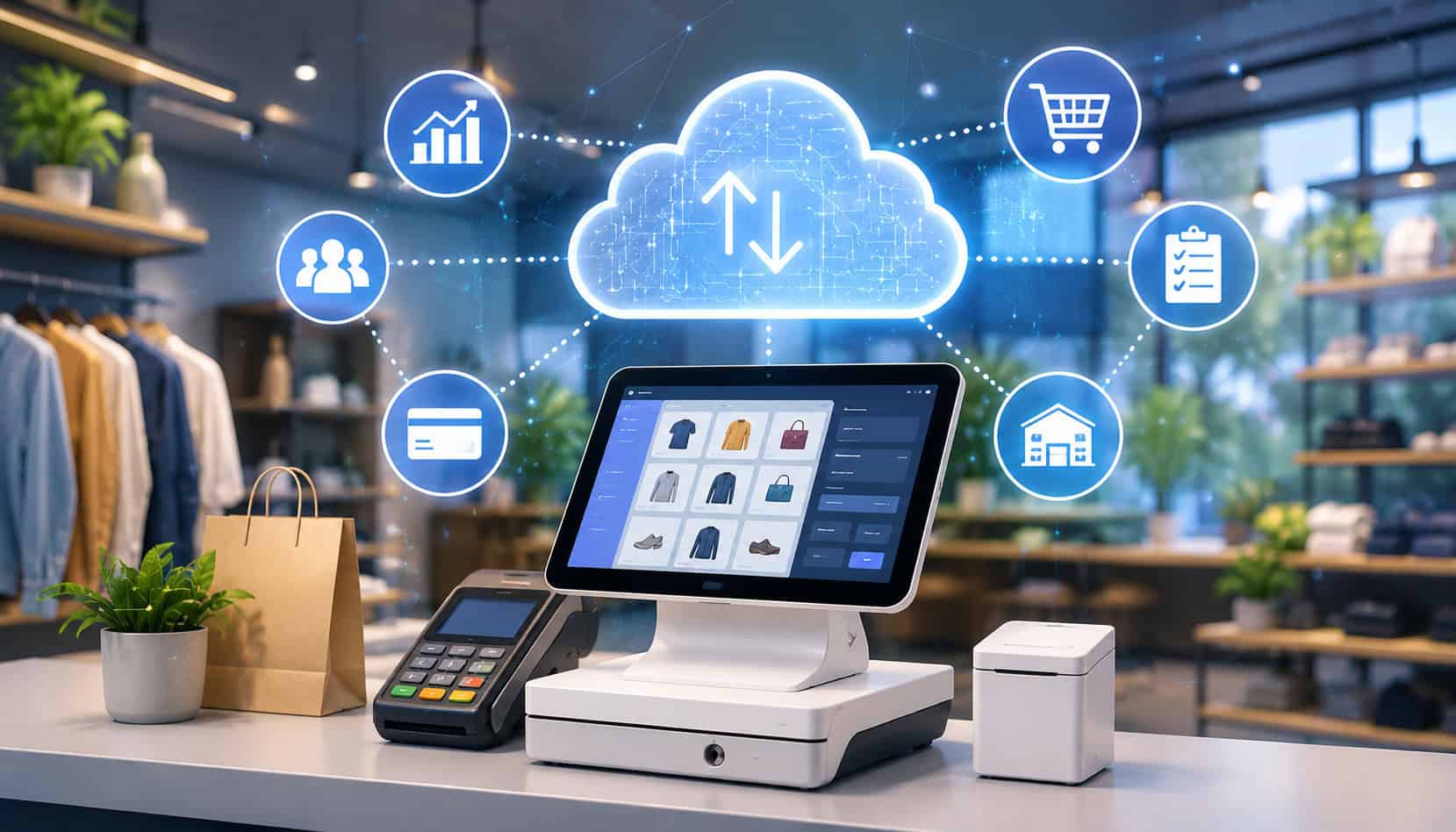
Modern retail moves fast. Shoppers expect quick checkout, flexible payment options, accurate product availability, and a smooth experience whether they buy in-store, online, curbside, or at a pop-up event.
That is why many store owners are comparing cloud-based POS systems for Erie retailers instead of relying only on older cash registers or locally installed checkout software.
A cloud POS system does more than process payments. It can connect sales, inventory, customer profiles, employee activity, ecommerce orders, and reporting in one platform. For retailers managing seasonal demand, local foot traffic, special events, or multiple sales channels, that kind of visibility can make daily operations easier to control.
Cloud tools are especially useful for shops that need flexibility. A boutique can check inventory from a tablet. A specialty store can review end-of-day sales from home. A gift shop can sync online orders with in-store stock. A mobile vendor can accept payments away from the main counter using mobile POS systems.
The right system should support secure checkout, accurate reporting, efficient inventory management, and dependable payment acceptance. It should also be simple enough for staff to use during busy hours.
This guide explains how cloud POS solutions work, what features matter most, what costs to review, and how retailers can choose a system that supports long-term growth.
What Are Cloud-Based POS Systems?
Cloud-based POS systems are retail checkout systems that store and manage business data online instead of keeping everything on one local computer or server. A traditional POS setup often depends heavily on in-store hardware.
If the main terminal fails, the software becomes outdated, or data is not backed up properly, the business may face downtime, reporting gaps, or operational headaches.
Cloud point of sale systems work differently. Sales data, inventory updates, customer records, employee permissions, and reports are synced through secure online software. Retailers can usually access the system from approved devices such as terminals, tablets, laptops, or smartphones, depending on the provider and permission settings.
For Erie retail POS systems, this can be a major advantage. A retailer no longer has to wait until they are physically at the store to review sales performance or check whether a product is running low. Cloud retail management systems allow owners and managers to see what is happening across the business with more flexibility.
A cloud POS platform typically includes:
- Checkout and payment acceptance
- Inventory tracking
- Product catalog management
- Sales reports
- Customer profiles
- Employee logins and permissions
- Refund and discount controls
- Ecommerce or online ordering integrations
- Loyalty or marketing tools
- Hardware integrations for scanners, printers, drawers, and card readers
The “cloud” does not mean the store has no hardware. Retailers still use devices such as card readers, receipt printers, barcode scanners, and cash drawers. The difference is that the software and business data are hosted online, updated more easily, and accessible through authorized logins.
For retailers evaluating cloud POS software for Erie businesses, the goal is not just to modernize checkout. It is to create a connected operating system for the store. When sales, payments, stock counts, and reports all update together, the business can make better decisions with less manual work.
How Cloud POS Solutions Work for Erie Retailers
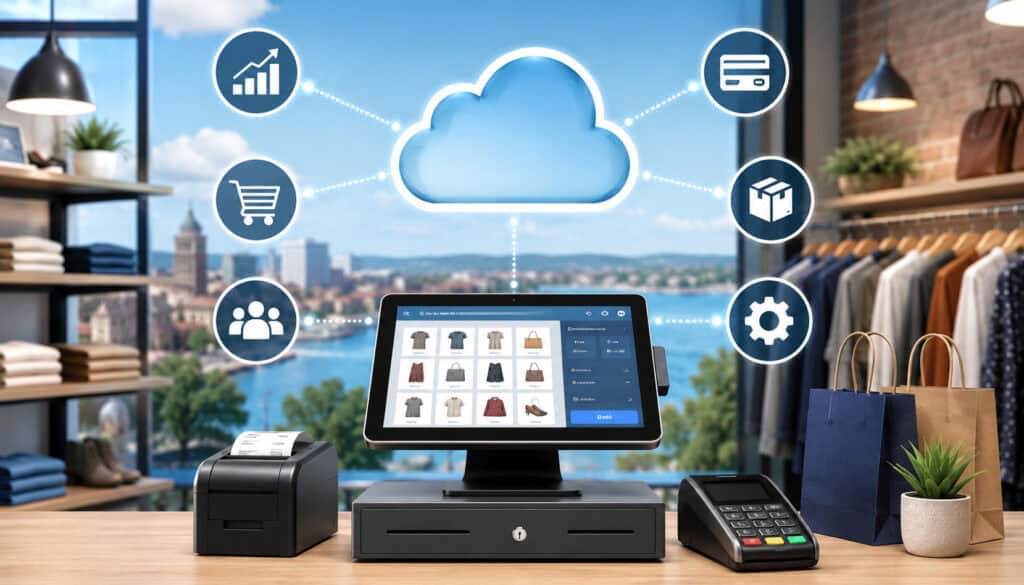
Cloud POS solutions Erie PA retailers use generally follow a simple process. A customer makes a purchase, the POS records the transaction, the payment is processed securely, inventory adjusts automatically, and the sales data appears in reports. If the system is connected to ecommerce, loyalty, accounting, or marketing tools, those platforms may also update.
The checkout process can happen at a fixed counter, on a tablet, through a mobile card reader, or online. This flexibility is one reason cloud-based POS systems for Erie retailers are popular among boutiques, gift shops, apparel stores, specialty retailers, convenience stores, and seasonal sellers.
Payment processing is one of the most important parts of the workflow. A modern system should support chip cards, contactless cards, mobile wallets, keyed transactions when appropriate, and secure card-present checkout.
For retailers that sell at markets, events, or curbside pickup, mobile POS systems can help staff complete transactions without sending every customer to a traditional checkout counter.
Cloud syncing is another key function. Once a sale is completed, the POS updates inventory and reporting automatically. If a store sells one item online and another in-store, the system should help prevent overselling by keeping stock counts aligned. This is especially useful for retailers with limited inventory, seasonal items, or products that sell quickly during promotions.
Customer management is also part of many retail POS software platforms. With the right settings, retailers can track purchase history, apply loyalty rewards, send receipts, and identify returning customers. These tools should always be used responsibly and with appropriate privacy practices.
For payment security, retailers should understand that secure systems and PCI-aware workflows matter. The PCI Security Standards Council provides payment security standards and resources for businesses that handle card data.
| Feature | How It Helps Retailers | Business Benefit |
| Cloud-based sales tracking | Records transactions in an online dashboard | Easier access to daily and historical performance |
| Inventory management POS | Updates stock counts after sales and returns | Fewer stock errors and better reorder decisions |
| Mobile POS systems | Allows checkout from tablets or mobile readers | Faster lines, event sales, and flexible customer service |
| Customer profiles | Stores purchase history and preferences when enabled | Better loyalty, service, and remarketing opportunities |
| Payment integrations | Connects checkout with secure processing tools | Smoother retail payment processing Erie workflows |
| Employee permissions | Limits access by role or responsibility | Better accountability and fewer operational mistakes |
| Reporting dashboards | Shows sales, refunds, taxes, discounts, and trends | Stronger decision-making and planning |
| Ecommerce syncing | Connects online and in-store inventory | More accurate omnichannel selling |
Retailers comparing POS payment solutions should also review how easily the system connects with merchant services, accounting software, online stores, gift cards, and loyalty programs. A POS system that looks simple at first but cannot support future needs may become expensive to replace later.
For more background on payment setup decisions, retailers can review this helpful payment processing setup guide for new Erie businesses.
Real-Time Inventory Management
Real-time inventory management is one of the strongest reasons to use cloud retail management systems. In a traditional setup, staff may update stock manually at the end of the day or rely on spreadsheets that quickly become outdated. That can lead to overselling, missed reorders, inaccurate product counts, and confusion during busy shopping periods.
With an inventory management POS, sales and returns can update stock levels automatically. If a retailer sells a candle, jacket, phone accessory, or specialty item, the system reduces the available quantity after checkout. Managers can then see what is selling, what is slow-moving, and what needs to be reordered.
This is useful for single-store retailers and even more important for businesses with multiple locations, off-site storage, pop-ups, or online sales. A cloud system can centralize stock visibility so owners are not guessing where products are available.
Better inventory data also supports smarter buying. Retailers can identify seasonal patterns, best sellers, dead stock, and products with high return rates. Over time, those insights can improve cash flow because the business is less likely to overbuy items that do not move.
Mobile and Contactless Payments
Mobile and contactless payments help retailers serve customers wherever checkout makes the most sense. A customer might pay at the counter, near a fitting room, at a sidewalk display, during curbside pickup, or at a local event.
Cloud point of sale systems often support these workflows through tablets, handheld terminals, mobile card readers, and connected payment apps.
Modern shoppers expect support for chip cards, tap-to-pay cards, and mobile wallets. A flexible POS system can help reduce checkout friction by giving customers payment choices without slowing down staff. This is especially helpful during rush periods when long lines can discourage purchases.
Mobile POS systems can also improve the customer experience in smaller stores. Instead of sending every shopper to one checkout station, staff can complete sales from the sales floor. That creates a more personal experience and can help associates answer questions, check inventory, and complete payment in one interaction.
Contactless options also support cleaner, faster checkout. Customers do not always need to hand over a card, sign a paper receipt, or wait for a slow terminal. For retailers evaluating retail payment technology, payment speed and reliability should be just as important as the list of accepted payment types.
Remote Access and Reporting
Remote access is one of the practical benefits of cloud POS software for Erie businesses. Store owners are often pulled in many directions. They may need to manage staffing, vendors, inventory, deposits, promotions, and customer issues without being physically present all day. A cloud dashboard can make that easier.
With the right permissions, owners and managers can review sales, refunds, employee activity, inventory levels, and reports from approved devices. This does not mean every employee should have full access. It means decision-makers can monitor the business without waiting for printed reports or end-of-day summaries.
Reporting can also reveal patterns that are hard to see manually. A retailer may notice that certain products sell better on weekends, that discounts are being overused, or that refunds are increasing in one category. These insights can lead to better staff training, stronger merchandising, and more profitable purchasing decisions.
Remote reporting is also useful for multi-location retailers. Instead of collecting separate reports from each store, the business can compare performance centrally. That helps owners make faster decisions about staffing, stock transfers, promotions, and ordering.
Benefits of Cloud-Based POS Systems for Erie Retailers
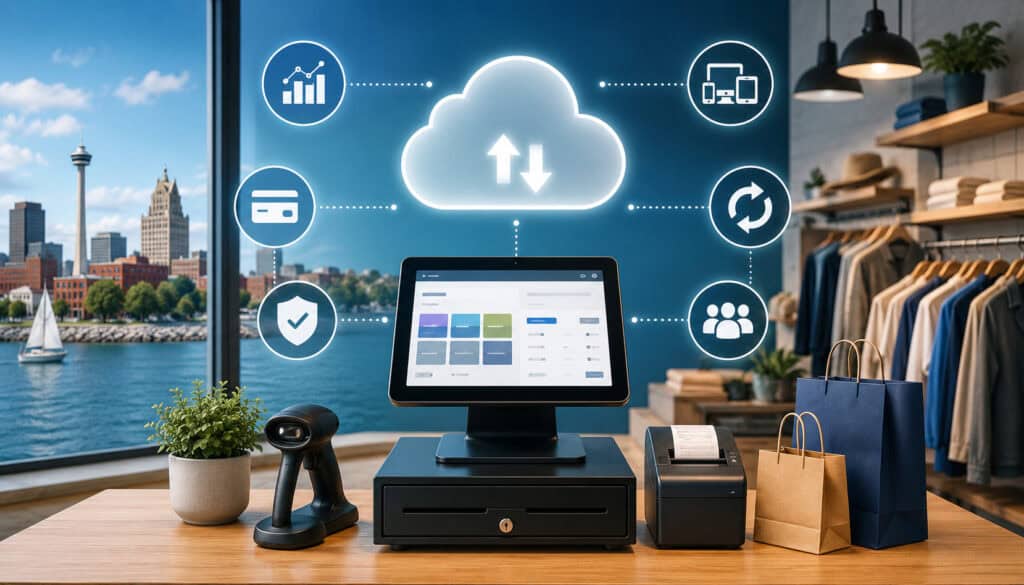
The benefits of cloud-based POS systems for Erie retailers go beyond accepting cards. A strong POS platform can improve how the entire retail operation runs. It can reduce manual tasks, support better customer service, connect sales channels, and give owners clearer visibility into performance.
Flexibility is one of the biggest advantages. Cloud POS solutions can often work across multiple devices and locations. A retailer can use a fixed terminal at the main counter, a tablet for line-busting, and a mobile reader for off-site sales. This flexibility supports retail environments where customer flow changes throughout the day or season.
Scalability is another benefit. A new shop may start with one register and basic inventory tools. Over time, it may need ecommerce integration, loyalty rewards, advanced reporting, employee scheduling, purchase orders, or multi-location management. Cloud POS systems often make it easier to add features without replacing the entire setup.
Ecommerce integration matters for retailers that sell both online and in-store. When inventory syncs between channels, the business can reduce overselling and give customers more accurate product availability. This is especially important for retailers with limited quantities, handmade goods, specialty products, or seasonal merchandise.
Customer convenience is also improved. Cloud point of sale systems can support emailed receipts, digital gift cards, loyalty programs, saved preferences, faster checkout, and flexible payment methods. These details may seem small, but they can shape whether customers return.
Automatic software updates are another important benefit. Older local systems may require manual updates, technician visits, or version upgrades. Cloud retail management systems are usually updated by the provider, which can help improve security, fix bugs, and add features with less disruption.
Lower hardware dependency can also help. Retailers still need reliable devices, but they may not need a costly local server or complex in-store network. If a device fails, the business may be able to restore access on another approved device more quickly than with a local-only setup.
Centralized reporting gives owners a better view of performance. Instead of piecing together card batches, register totals, inventory spreadsheets, and employee notes, a cloud POS can bring critical data into one place. That makes it easier to identify best sellers, slow periods, high-performing staff, and operational bottlenecks.
For local businesses reviewing payment options, this payment processing checklist for Erie business owners can help frame the broader decision.
Important Features to Look For in Erie Retail POS Systems
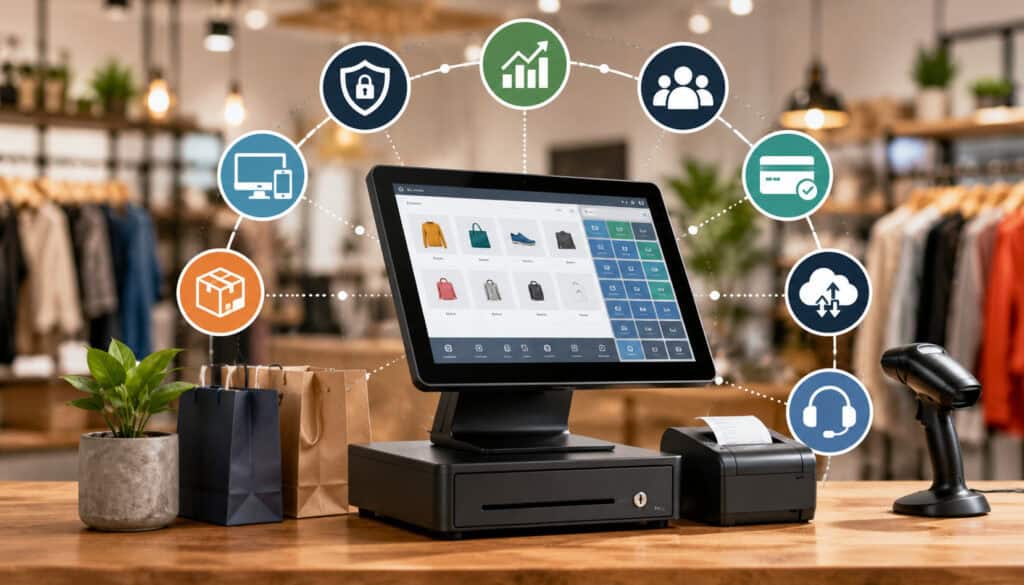
Choosing Erie retail POS systems requires more than comparing monthly software fees. Retailers should think about what happens at checkout, in the stockroom, during reporting, after a refund, when an employee makes a mistake, and when the business grows. The best system is the one that fits the store’s actual workflow.
Inventory tools should be near the top of the list. A good inventory management POS should support product variants, SKUs, barcode scanning, low-stock alerts, purchase orders, vendor tracking, and inventory adjustments.
Apparel stores may need size and color variants. Gift shops may need seasonal categories. Specialty retailers may need serial numbers, bundles, or product modifiers.
Employee permissions are also important. Retailers should be able to control who can issue refunds, apply discounts, open the cash drawer, edit inventory, view reports, or change settings. Role-based permissions protect the business and create accountability.
Customer profiles can support better service and loyalty. Depending on the system, retailers may be able to track purchase history, loyalty points, preferences, birthdays, or communication consent. These tools can help businesses encourage repeat visits without relying only on discounts.
Payment integrations should be reviewed carefully. POS payment solutions should support secure card-present checkout, contactless payments, mobile wallets, gift cards, and online payments if needed. Retailers should also understand processing rates, settlement timing, chargeback handling, and equipment compatibility.
Ecommerce syncing is essential for retailers selling online. The POS should update inventory across channels, centralize orders, and reduce duplicate data entry. If online and in-store systems do not communicate, staff may spend too much time fixing preventable problems.
Mobile access is useful for owners and staff. A retailer may want managers to check stock from the floor, complete checkout away from the counter, or review reports after hours. However, mobile access should be balanced with strong login controls.
Offline mode is another feature to consider. Internet outages can happen. Some cloud POS systems offer limited offline processing or offline order capture, but capabilities vary. Retailers should ask exactly what works offline, what does not, how payments are stored, and what happens when the system reconnects.
Analytics and reporting tools should be easy to understand. Useful reports may include sales by product, category, employee, time period, location, customer, discount, and payment type. The system should help owners act on data instead of overwhelming them with dashboards they rarely use.
For a broader look at local POS decisions, this guide on best POS systems for small businesses in Erie provides additional context.
Useful features to compare include:
- Product catalog and SKU management
- Barcode scanner compatibility
- Low-stock alerts
- Purchase order tools
- Customer profiles and loyalty
- Gift card support
- Employee permissions
- Refund and discount controls
- Mobile checkout
- Contactless payment acceptance
- Ecommerce integration
- Accounting integration
- Offline mode
- Sales tax settings
- Multi-location reporting
- Secure payment processing
- Support availability
Cloud POS Security and Payment Protection
Security should be a priority when comparing cloud POS software for Erie businesses. A POS system touches payment data, employee access, customer information, transaction history, and business reporting. Weak security can create financial, operational, and reputational risk.
Modern cloud point of sale systems usually include security tools such as encrypted connections, tokenization, secure user logins, automatic updates, and permission controls. However, retailers still need to use the system correctly. Strong software cannot protect a business if staff share passwords, leave terminals unlocked, or ignore update notices.
Encryption helps protect data while it moves between devices, payment terminals, processors, and cloud systems. Tokenization can replace sensitive card details with a token that is less useful if intercepted. These technologies help reduce exposure during payment processing.
PCI-aware workflows are also important. Retailers that accept card payments have responsibilities around secure handling of cardholder data. A cloud POS provider may help with compliant technology, but the business still needs proper procedures, secure networks, trained staff, and responsible access controls.
Secure login controls should include unique user accounts, strong passwords, and multi-factor authentication where available. Shared logins make it difficult to know who issued a refund, changed inventory, or accessed reports. Individual logins create a clearer activity trail.
Backups are another advantage of cloud systems. Local-only systems may lose data if a hard drive fails, a device is damaged, or backups are not performed correctly. Cloud systems typically store data online with provider-managed backup processes. Retailers should still ask how often data is backed up and how recovery works.
Software updates help protect against known vulnerabilities. Outdated POS software can create avoidable risk, especially if old systems are connected to payment devices or business networks. Cloud providers often manage updates more consistently than local-only software.
Fraud prevention also depends on policies. Retailers should monitor refunds, voids, manual discounts, cash drawer activity, and unusual transaction patterns. Reporting tools can help identify issues early.
Protecting Customer Payment Data
Protecting customer payment data starts with choosing secure retail payment technology and using it properly. Cloud POS systems can reduce risks associated with outdated local software, unpatched systems, and card data stored in unsafe ways. However, retailers should never assume that “cloud” automatically means secure.
A strong system should use secure payment terminals, encrypted transmission, tokenization, and controlled access to transaction data. It should also limit how much sensitive information staff can see. Employees generally do not need full payment details to complete a sale, handle a return, or help a customer.
Retailers should also avoid writing down card numbers, storing payment data in spreadsheets, or entering sensitive information into unapproved systems. These habits create unnecessary risk and can undermine the security benefits of modern POS payment solutions.
Device security matters as well. Terminals, tablets, and computers should be protected with passwords, updated software, and restricted access. Staff should be trained to recognize tampering, suspicious prompts, and unusual payment behavior.
Employee Access Controls and Permissions
Employee access controls help retailers reduce internal mistakes, unauthorized discounts, refund abuse, and inventory manipulation. In a busy store, not every staff member needs the same level of system access. A cashier may need to complete sales and basic returns, while a manager may need reporting, inventory adjustments, and refund approval tools.
Role-based permissions allow a retailer to match access to responsibility. This protects sensitive areas of the business while still letting employees do their jobs efficiently. It also helps owners review activity by user, which can be useful when investigating errors or unusual patterns.
Permissions should cover more than payment functions. Retailers should control access to product costs, vendor information, customer data, employee records, tax settings, and system configuration. A simple mistake in these areas can affect reporting, pricing, or compliance.
Good cloud retail management systems provide activity logs showing who performed certain actions. This creates accountability and helps managers train staff when issues appear. If an employee repeatedly applies incorrect discounts or processes unusual refunds, the system can help reveal the pattern.
Access should also be updated when employees change roles or leave the business. Old accounts should be disabled promptly. Shared passwords should be avoided because they weaken accountability and make investigations harder.
Costs and Pricing Considerations
Costs for cloud-based POS systems for Erie retailers can vary depending on software features, hardware needs, payment processing, support, integrations, and business size. The lowest advertised monthly price is not always the lowest total cost. Retailers should look at the complete operating picture before signing a contract.
Software subscriptions are usually the most visible cost. Some retail POS software plans charge per register, per location, per user, or by feature tier. Basic plans may include checkout and simple reporting, while higher tiers may add advanced inventory, loyalty, ecommerce syncing, purchase orders, or multi-location controls.
Hardware costs can include terminals, tablets, stands, receipt printers, barcode scanners, cash drawers, customer displays, label printers, and card readers. Some providers offer equipment bundles, while others require retailers to buy hardware separately. Compatibility is important because not every device works with every POS platform.
Payment processing fees are another major factor. Retail payment processing Erie merchants use may include percentage-based rates, transaction fees, monthly fees, chargeback fees, batch fees, or statement fees. Retailers should ask for clear pricing and understand whether the POS system requires a specific processor.
Setup costs may include data migration, product catalog setup, menu or inventory configuration, staff training, installation, and account activation. A business with hundreds or thousands of SKUs may need more setup time than a small store with a limited product list.
Add-on tools can increase costs. Loyalty programs, gift cards, email marketing, advanced analytics, ecommerce integrations, payroll connections, or accounting sync may require additional fees. These tools can be worthwhile, but retailers should decide which ones are truly needed.
Support plans should also be reviewed. Some providers include basic support, while others charge for premium support, on-site service, emergency help, or extended hours. For a retail store, fast support can be critical when checkout is interrupted.
Scaling expenses matter as the business grows. Adding a second register, new location, ecommerce channel, or more users may change the monthly cost. Retailers should ask what pricing looks like after expansion, not only at launch.
A careful cost review should include:
- Monthly software subscription
- Setup and onboarding fees
- Hardware purchases or leases
- Payment processing rates
- Chargeback and dispute fees
- Add-on software tools
- Ecommerce integration costs
- Gift card or loyalty fees
- Support plan costs
- Data migration fees
- Contract length and cancellation terms
Common Mistakes Erie Retailers Should Avoid
One common mistake is choosing a POS system based only on price. Cost matters, but the cheapest system can become expensive if it slows checkout, lacks inventory tools, creates reporting gaps, or forces staff into manual workarounds. A low monthly fee does not help if the system cannot support the way the store actually operates.
Another mistake is ignoring integrations. Retailers often use accounting software, ecommerce platforms, loyalty tools, payroll systems, marketing apps, and merchant services.
If the POS does not connect with these tools, staff may spend hours re-entering data or correcting mismatches. Before choosing cloud POS solutions Erie PA retailers should list every system that needs to connect.
Weak staff training is another issue. Even the best retail POS software can fail if employees do not understand how to process sales, returns, exchanges, discounts, gift cards, and mobile payments. Training should include normal transactions and unusual situations. Staff should also know who to contact when something goes wrong.
Outdated hardware can limit performance. A modern cloud POS may still struggle if it runs on old tablets, unreliable printers, weak Wi-Fi, or unsupported card readers. Hardware should be tested under real store conditions, not only in a quiet demo.
Poor internet backup planning can also cause problems. Cloud systems rely on connectivity for many features. Retailers should ask about offline mode, backup internet options, mobile hotspots, and what happens if service is interrupted. Waiting until an outage occurs is not a good plan.
Overlooking reporting needs is another mistake. Some retailers only focus on checkout and later realize they cannot easily track margins, inventory movement, employee performance, or sales trends. Reporting should be part of the buying decision from the beginning.
Retailers should also avoid signing contracts without reviewing terms. Look carefully at cancellation rules, hardware ownership, processing requirements, software fees, support commitments, and data export options.
For sellers that need flexible payment acceptance beyond the counter, this guide on how retailers can accept payments anywhere may be useful.
How to Choose the Right Cloud POS Software for Erie Businesses
Choosing the right cloud POS software for Erie businesses starts with understanding your own workflow. Before comparing providers, document how your store currently handles checkout, inventory, returns, discounts, customer records, reporting, ecommerce, and employee permissions. This helps you separate must-have features from nice-to-have extras.
Start by listing your sales channels. Do you sell only in-store, or do you also sell online, at events, through social media, or through curbside pickup? A retailer with multiple sales channels should prioritize inventory syncing, mobile checkout, and unified reporting.
Next, evaluate payment needs. Your POS should support the payment methods customers expect, including chip cards, contactless cards, mobile wallets, gift cards, and online payments if relevant. Also review how retail payment processing Erie transactions are priced, settled, and supported.
Test usability with real staff roles. A system may look good to an owner but feel confusing to cashiers during peak hours. Run through common scenarios such as adding products, scanning barcodes, processing returns, applying discounts, checking inventory, splitting payments, and closing the register.
Review inventory depth. Some stores need only basic stock counts. Others need variants, purchase orders, vendor management, label printing, low-stock alerts, or multi-location transfers. Choose a system that fits your product complexity.
Check integrations carefully. Ask whether the POS connects with your ecommerce platform, accounting software, loyalty program, email marketing tools, and merchant services. Confirm whether integrations are native, third-party, or custom.
Understand contract terms. Retailers should review software agreements, hardware commitments, processing requirements, cancellation rules, data ownership, and support expectations. Avoid relying only on verbal promises.
Look at long-term costs. A system that is affordable today may become expensive after adding registers, users, locations, integrations, or advanced inventory tools. Ask for a written cost estimate based on your current and expected needs.
Finally, consider support quality. Retail checkout systems are mission-critical. If the system goes down during a rush, the business needs fast and knowledgeable help. Review support hours, available channels, response times, and onboarding resources.
A smart evaluation process includes:
- Mapping current workflows
- Listing required integrations
- Testing checkout speed
- Reviewing inventory tools
- Comparing payment processing terms
- Asking about security features
- Checking offline capabilities
- Reviewing reporting dashboards
- Training staff before launch
- Understanding data export options
What are cloud-based POS systems?
Cloud-based POS systems are checkout and retail management platforms that store business data online instead of keeping everything on one local computer or server. They help retailers process sales, accept payments, manage inventory, track customers, monitor employees, and review reports from approved devices.
Unlike older systems that may depend heavily on one in-store machine, cloud point of sale systems sync information through secure online software. This can make data easier to access, update, and protect. Retailers still use hardware such as card readers, receipt printers, scanners, and cash drawers, but the core system is managed through the cloud.
For retailers, the biggest advantage is connected visibility. Sales, inventory, refunds, customer activity, and reports can update in one place, reducing manual work and helping owners make better decisions.
Why do Erie retailers use cloud POS software?
Retailers use cloud POS software because it supports flexibility, better reporting, inventory accuracy, and modern payment options. A store owner can review sales without being at the register, staff can use mobile POS systems for flexible checkout, and inventory can update automatically after sales and returns.
Cloud POS software for Erie businesses is also useful for retailers that sell through more than one channel. If a shop sells in-store and online, connected inventory can help reduce overselling and improve customer expectations. A customer is less likely to be disappointed when product availability is accurate.
Retailers also value automatic updates, centralized dashboards, employee permissions, and secure payment integrations. These features help businesses move away from disconnected tools and toward a more organized retail operation.
Can cloud POS systems work offline?
Some cloud POS systems can work offline in limited ways, but offline capabilities vary by provider. A system may allow staff to record sales, accept certain payment types, or continue basic checkout functions when internet service is interrupted. Once the connection returns, the system may sync stored transactions and inventory updates.
Retailers should ask detailed questions before relying on offline mode. Not all features work without internet access. Inventory lookup, payment authorization, customer profiles, gift cards, loyalty rewards, and ecommerce syncing may be limited or unavailable during an outage.
The safest approach is to have a backup connectivity plan. This could include a secondary internet connection, mobile hotspot, or clear staff procedure for handling downtime. Offline mode is helpful, but it should not be the only backup plan.
Are cloud POS systems secure?
Cloud POS systems can be secure when they use strong technology and when retailers follow safe operating practices. Important protections may include encryption, tokenization, secure payment terminals, individual staff logins, role-based permissions, automatic updates, and activity monitoring.
Security also depends on how the business uses the system. Staff should not share passwords, write down card details, or use unapproved devices for payment information. Managers should disable old employee accounts, review permissions, and monitor refunds or unusual activity.
Retailers should choose POS payment solutions that support PCI-aware workflows and secure payment processing. They should also ask providers how data is stored, how updates are handled, what backup practices are used, and what security responsibilities remain with the merchant.
Do cloud POS systems support mobile payments?
Yes, many cloud POS systems support mobile payments, including mobile wallets, contactless cards, tap-to-pay transactions, and mobile card readers. This allows retailers to serve customers at the counter, on the sales floor, outside the store, at events, or during curbside pickup.
Mobile POS systems can be especially useful for retailers that want shorter lines and more flexible checkout. Instead of relying on one fixed register, staff can complete transactions from tablets or handheld devices. This can improve customer service and help capture sales during busy periods.
Retailers should confirm which payment types are supported, which devices are compatible, and whether mobile transactions use the same reporting and inventory tools as counter transactions. Consistency across checkout channels is important.
How much do cloud POS systems cost?
Cloud POS costs depend on software plans, hardware, payment processing, setup, support, and add-on features. A small retailer may pay for a basic monthly subscription and a few devices, while a larger operation may need advanced inventory tools, multiple registers, ecommerce integrations, and premium support.
Retailers should compare total cost, not just the advertised monthly fee. Important expenses include terminals, tablets, card readers, scanners, printers, cash drawers, software subscriptions, processing rates, chargeback fees, training, and integrations.
It is also important to understand contract terms. Some systems require specific payment processors or long-term agreements. Others offer more flexibility but may charge separately for hardware or support. A clear written estimate helps prevent surprises.
Can cloud POS software track inventory?
Yes, many cloud POS systems include inventory tracking tools. An inventory management POS can update stock counts when products are sold, returned, received, transferred, or adjusted. This helps retailers reduce errors and make better ordering decisions.
Inventory features vary widely. Basic systems may track simple quantities, while advanced platforms support SKUs, barcodes, variants, purchase orders, vendor records, low-stock alerts, product categories, and multi-location inventory. Retailers should choose a system that matches the complexity of their products.
Accurate inventory depends on good setup and consistent use. Product data, barcodes, categories, and stock counts should be organized before launch. Staff should also be trained on receiving, returns, damaged items, and manual adjustments.
What should retailers compare before choosing a POS system?
Retailers should compare features, usability, payment processing, inventory tools, integrations, security, support, hardware compatibility, offline mode, contract terms, and total cost. The right system should fit daily operations, not just look impressive in a demo.
It helps to test real scenarios. Process a sale, scan products, issue a return, apply a discount, check inventory, run a report, add a customer, and close the register. These everyday tasks reveal whether the system is practical for staff.
Retailers should also review future needs. A store may eventually add ecommerce, loyalty, gift cards, more registers, or a second location. Choosing scalable retail POS software can help avoid another major system change too soon.
Conclusion
Cloud-based POS systems for Erie retailers can help businesses modernize checkout, improve inventory management, support mobile payments, strengthen reporting, and create a better customer experience. Instead of treating the POS as only a cash register, retailers can use it as a connected retail management platform.
The right system should be secure, scalable, easy to use, and compatible with the store’s payment, inventory, ecommerce, and reporting needs. Retailers should compare total cost, support quality, contract terms, hardware requirements, and long-term flexibility before making a decision.
A strong cloud POS setup can help retailers reduce manual work, make smarter buying decisions, serve customers more efficiently, and adapt as the business grows. For stores that want better visibility and more flexible operations, cloud POS solutions are worth serious consideration.